
{{ getFeatureName(action_mode) }} your image

Drop your image here.
Our popular AI tools
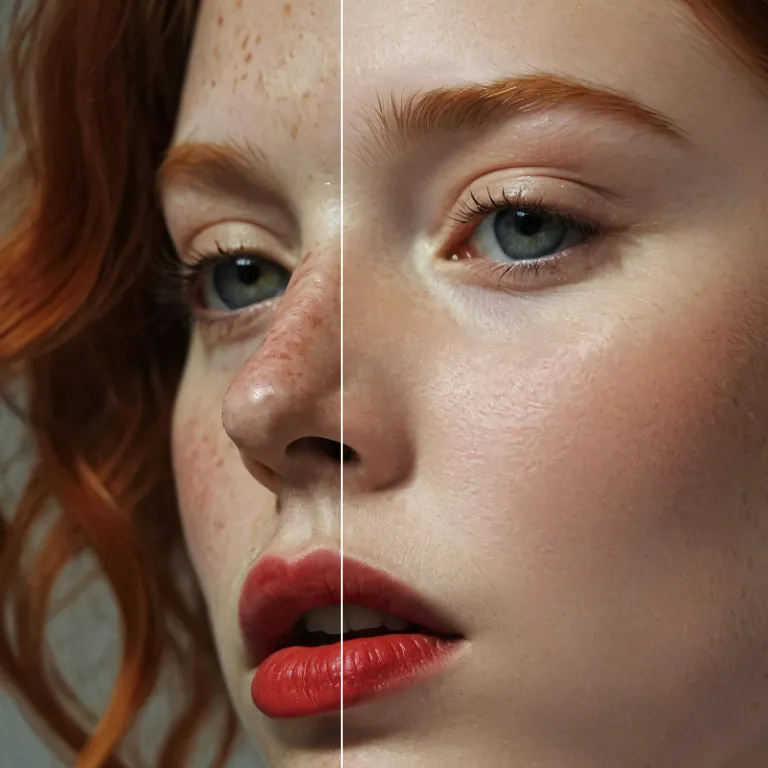
Enhance Photo
Automatically enhance the blurry photo's resolution and increase the overall quality.
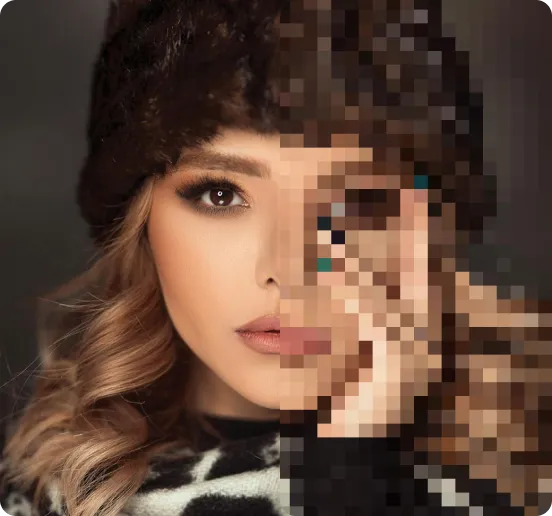
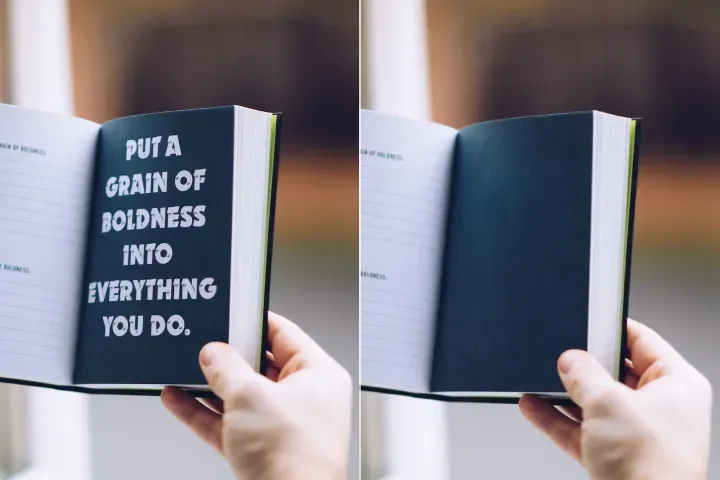
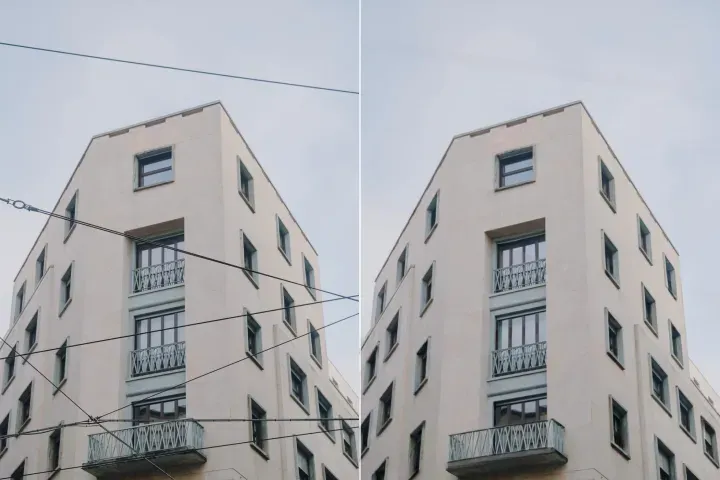
Remove Objects
AIPhotor's One-Touch AI simply detects and removes unwanted details in your picture.
Remove Background
Seamlessly remove background from photos. Edit background with 100+ well-designed templates.
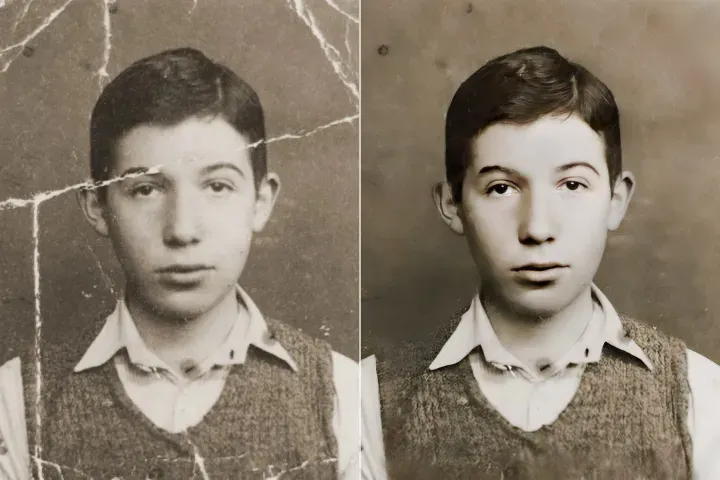
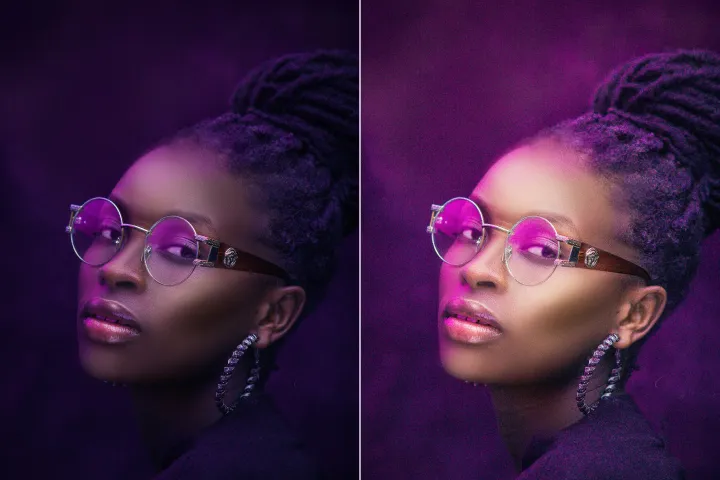
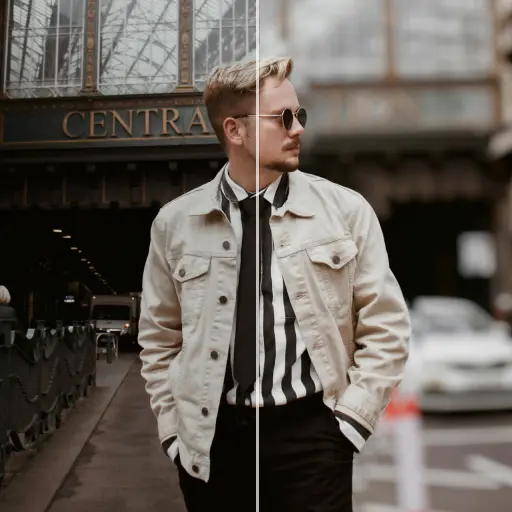
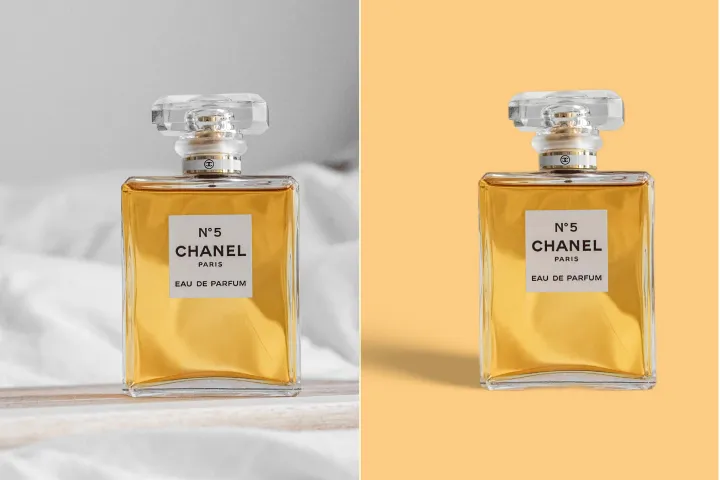
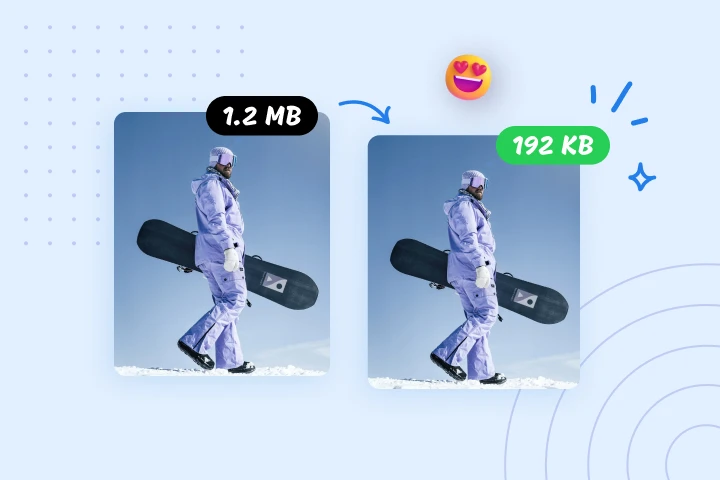
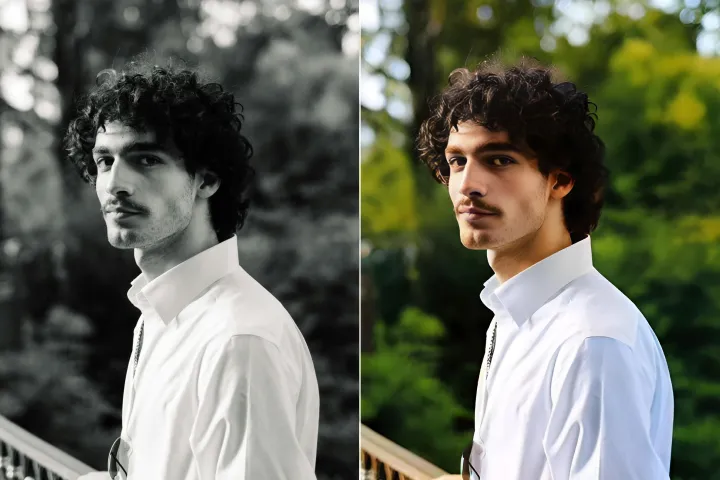
ضغط الصورة عبر الإنترنت مجانًا
قلّل أحجام الصور بما يصل إلى 95% باستخدام ضاغط الصور من AIPhotor. مُصمَّم لأداء ويب أسرع، وتحميلات أسرع، وإدارة بيانات مبسطة. جرّبه الآن - ارتقِ بسير عملك.
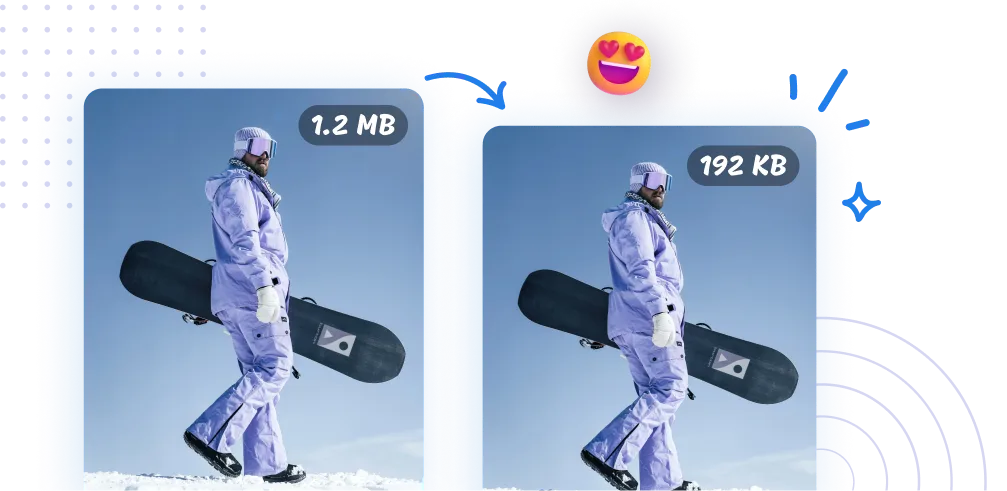
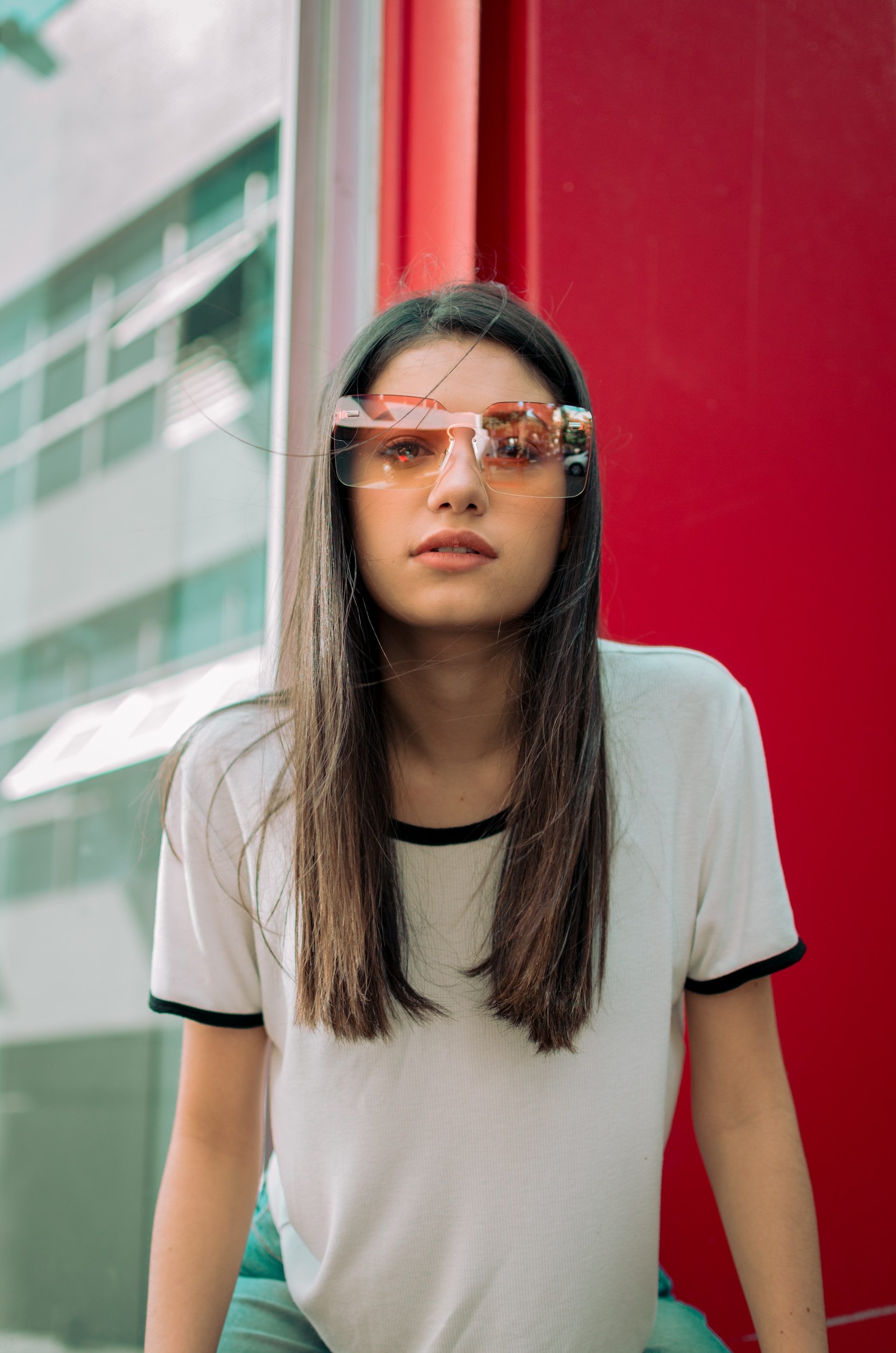
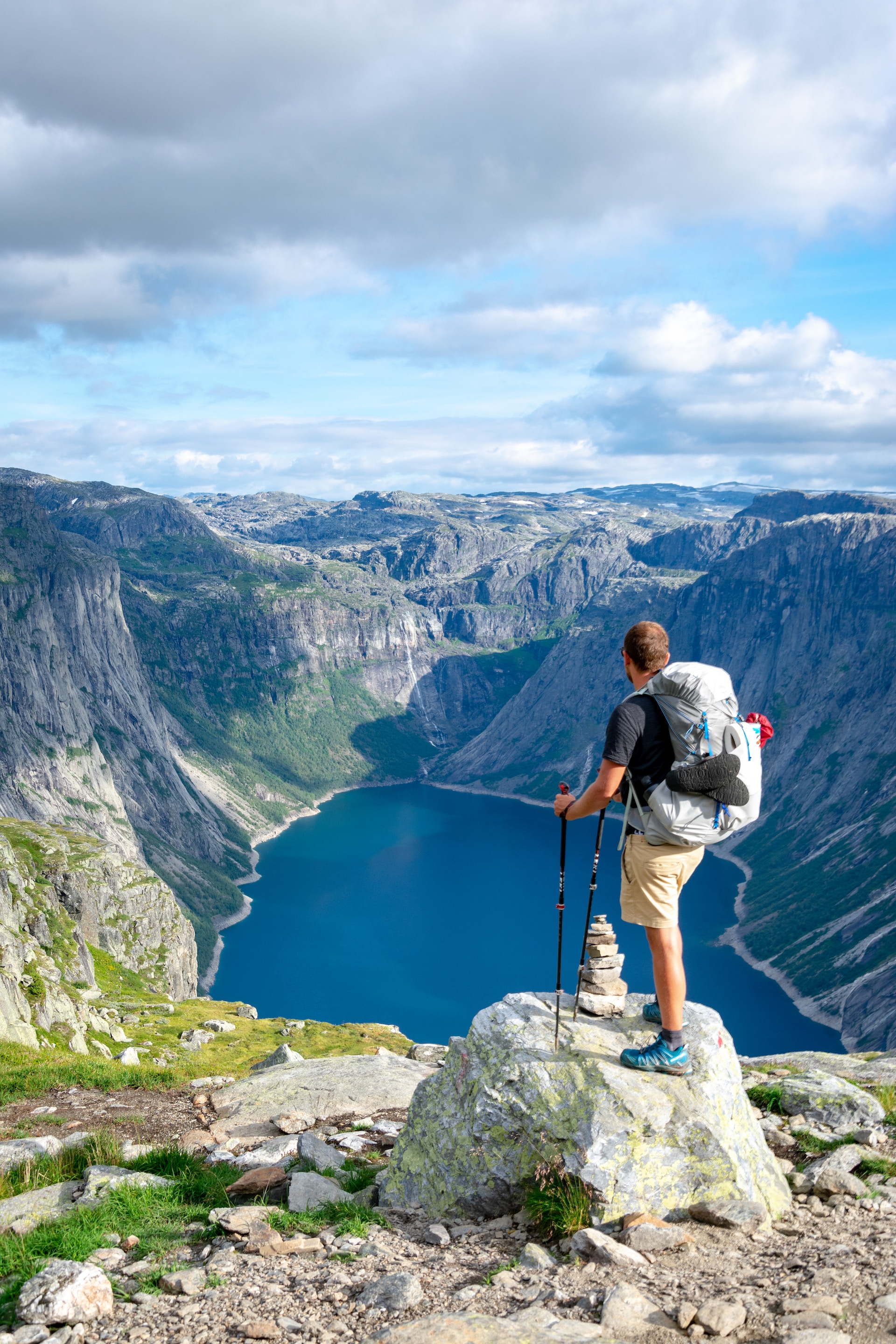
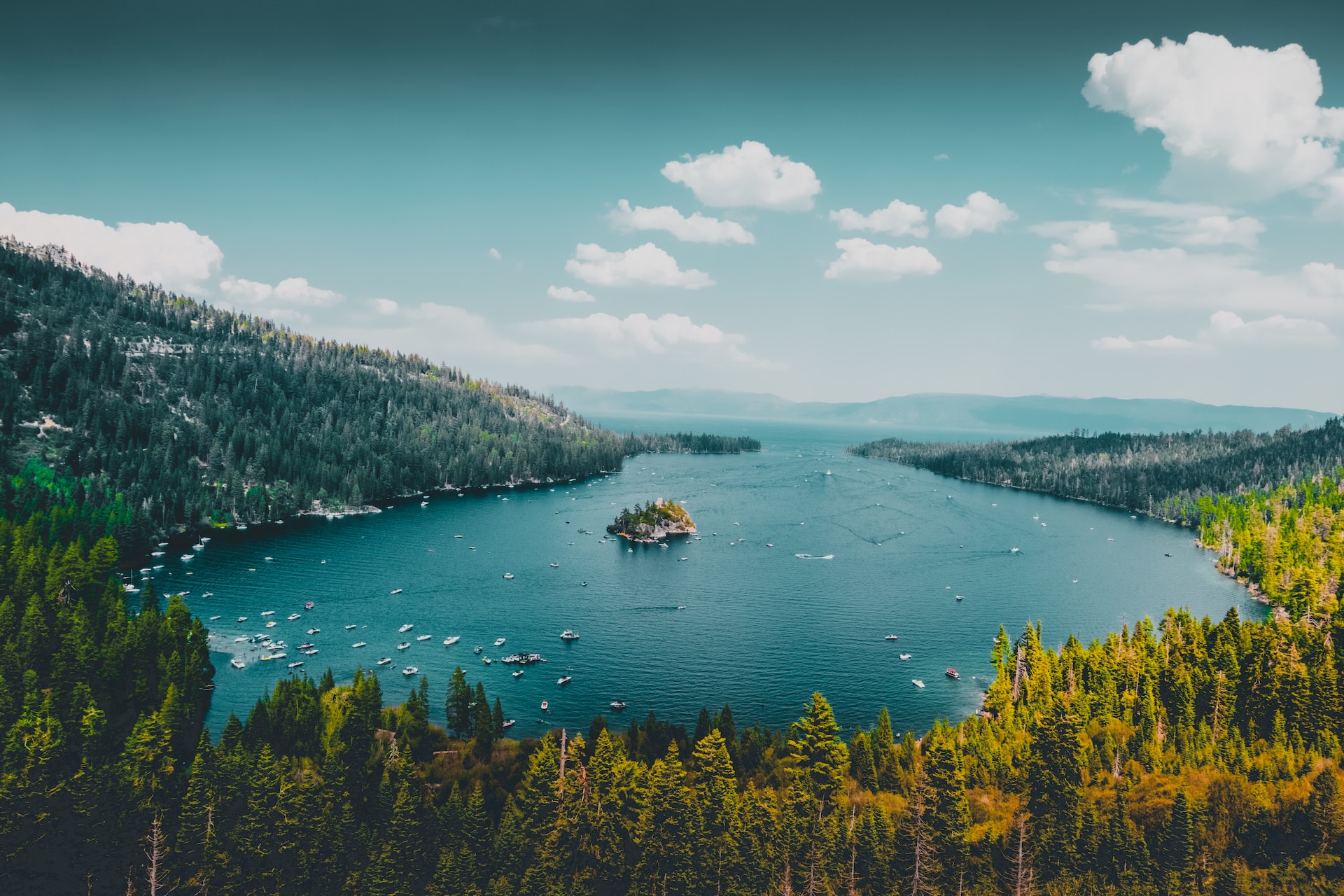

كيف يتم ضغط الصور باستخدام AIPhotor؟
استمتع بضغط فوري وذو جودة عالية للصور مع سير عملنا المبسّط من ثلاث خطوات.
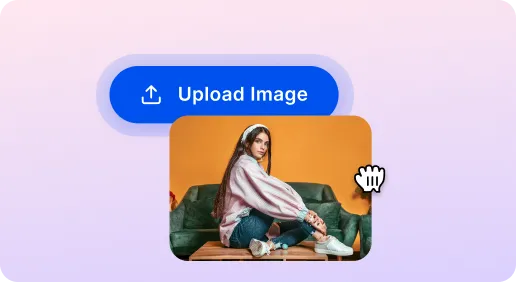
1 تحميل الصور

2 ضغط الصور
3 تحميل الصور
شيء لا بد منه أداة ضغط الصور
ضغط الصور من أجل سرعة موقع الويب
تقليل أحجام الصور الكبيرة بشكل جذري لتسريع أداء الموقع. AIPhotor هو خيار أساسي عالي الجودة لمطوري الويب وتحسين محركات البحث.
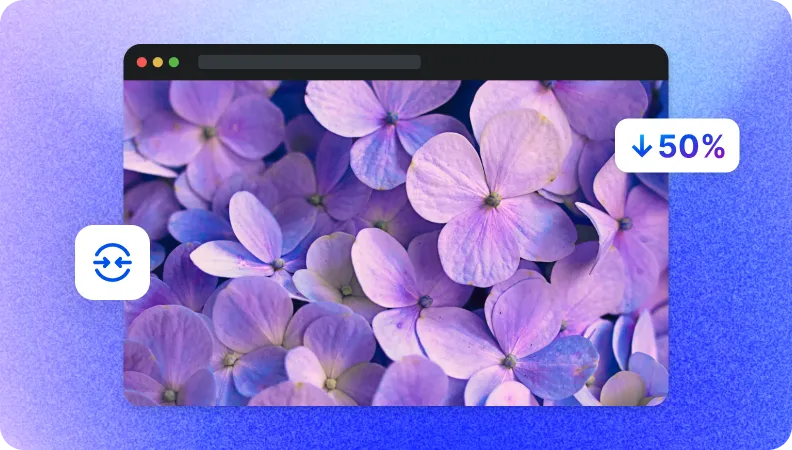
تصغير أحجام الملفات لنقل البيانات بسرعة
أحجام الملفات الأصغر تتيح رفعاً وتنزلاً أسرع، حتى على الشبكات البطيئة. سرّع المشاركة واسترداد الوقت مع AIPhotor.
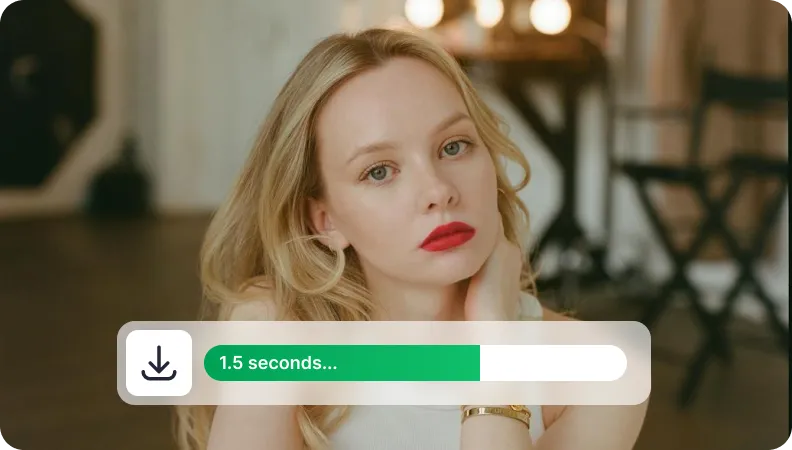
خفض أحجام الصور لإدارة التخزين
قلّل استخدام التخزين السحابي من خلال تقليل أحجام الصور. وفر مساحة، خفّض تكاليف التخزين، وتسهيل إدارة مجموعات الصور الضخمة بكل سهولة.


Free to Try
AIPhotor is free to try for 3 days, after which you can subscribe to one of our incredible value plans.

Free to Try
We automatically sharpen and transform your images with AI to create multiple final looks. But you can also adjust and add a prompt to customize the results. Choose what works best for you!

Quick & Easy
Screen, edit, resize and download your photos lightning fast.

Compatible with all devices
AIPhotor is available on the iOS and Android stores. Our app works seamlessly across mobile, desktop, and tablet devices.
Frequently Asked Questions
-
What is AIPhotor Photo Editor?

 AIPhotor is a visual online photo editing website that leverages AI technology to help automatically remove objects/people from images; retouch, enhance, colorize, correct, cartoonize, and animate photos in a snap, replacing other photo editing tools Photoshop, Pixlr editor, or Photopea.
Or just drag & drop image here, upto 50 images at once
Or just drag & drop image here, upto 50 images at once
Frequently Asked Questions
-
What is AIPhotor Photo Editor?
AIPhotor is a visual online photo editing website that leverages AI technology to help automatically remove objects/people from images; retouch, enhance, colorize, correct, cartoonize, and animate photos in a snap, replacing other photo editing tools Photoshop, Pixlr editor, or Photopea.